Prepare Your Design with Confidence
Welcome to our project resources center. Whether you’re uploading a simple part or a complex custom project, this guide will help you prepare your files correctly so we can deliver the cleanest, most precise cuts possible. Follow the steps below to ensure a smooth upload, accurate quoting, and fast turnaround.
To keep your project moving quickly, please make sure your files follow these guidelines.
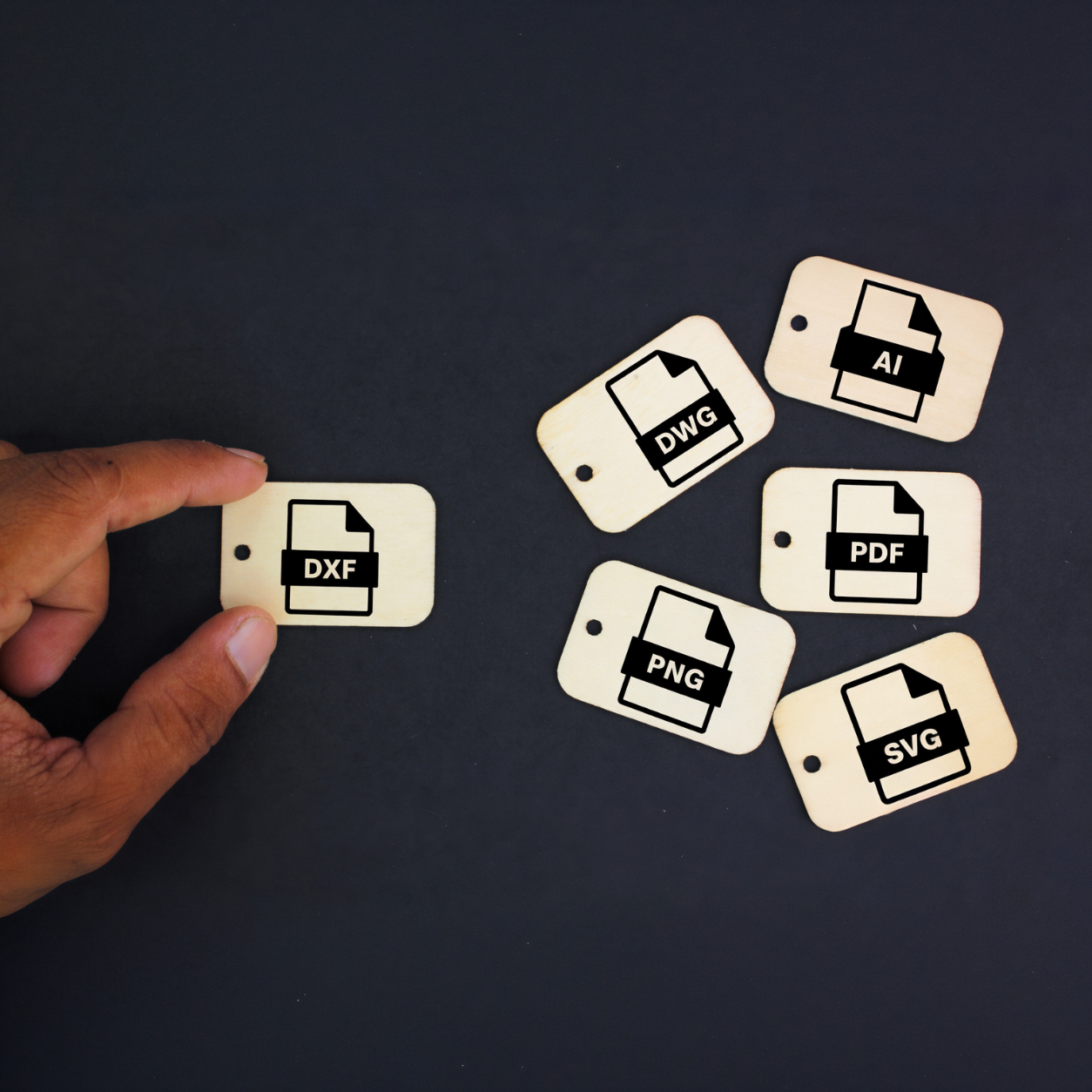
Supported File Types
• DXF (preferred)
• DWG
• SVG
• PDF
• AI (outlined)
General File Prep
• Ensure all shapes are fully closed
• Remove duplicate lines or overlapping geometry
• Delete hidden layers or unused elements
• Convert all text to outlines or curves
• Keep your design at a true 1:1 scale
• Use a single file per part when possible
Creating a clean file helps us cut accurately and reduces delays.
• Use clear, continuous paths for all cut lines
• Avoid extremely small details that may not be cuttable
• Maintain adequate spacing between features
• Indicate bend lines or engraving separately if needed
• Group related elements together for clarity
Choose the material and thickness that best fits your project. If you’re unsure, our team can help you pick what will cut cleanly and hold up in real-world use.
Common material options include:
• Mild Steel
• Stainless Steel
• Aluminum
• Copper and Brass
• Acrylic
• Wood
Each material has recommended minimum feature sizes and spacing. When in doubt, keep details simple and structural.
Once your file is ready:
Upload your design through our file submission form
Select your material and thickness
Add any notes about tolerances, finishing, or special needs
Submit for review and receive your quote
Our team checks every file to make sure it’s ready for production. If anything needs adjustment, we’ll reach out quickly.
If you aren’t sure whether your file is ready or you want guidance before submitting, we’re here to help. Send us your design or questions and our team will walk you through everything you need.